

Overview
Membership is how identities get attached to grants. The gateway supports three types of members:
All three types are added to grants the same way and are subject to the same access rules. Every call they make is written to the audit log.
Account Owner or Admin permission is required to add and manage users and robots. Any user can create their own API key.
Robots
Robots are non-human accounts for automated pipelines and agents. They authenticate to the gateway with a bearer token and are attached to grants the same way user accounts are. Everything a robot calls is checked against its grants and written to the audit log.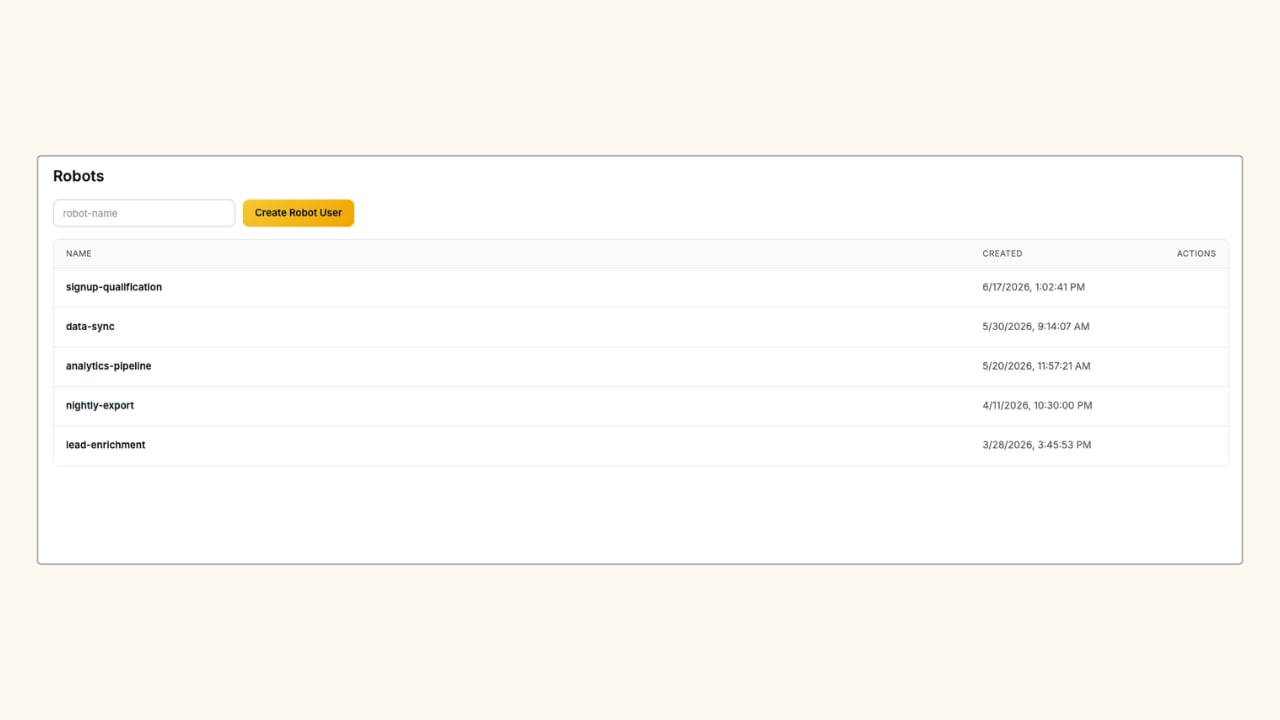
Create a robot (Admins only)
Create a robot (Admins only)
1
Open the Robots page
In the Aptible dashboard, navigate to MCP > Robots.
2
Create the robot
Enter a name and click Create Robot User.
3
Generate an API key
Open the robot and click + Create API Key to generate a token.
User API Keys
Any user can create an API key to authenticate to the gateway without using their Aptible session token. In the Aptible dashboard, navigate to MCP > API Keys to create and manage them.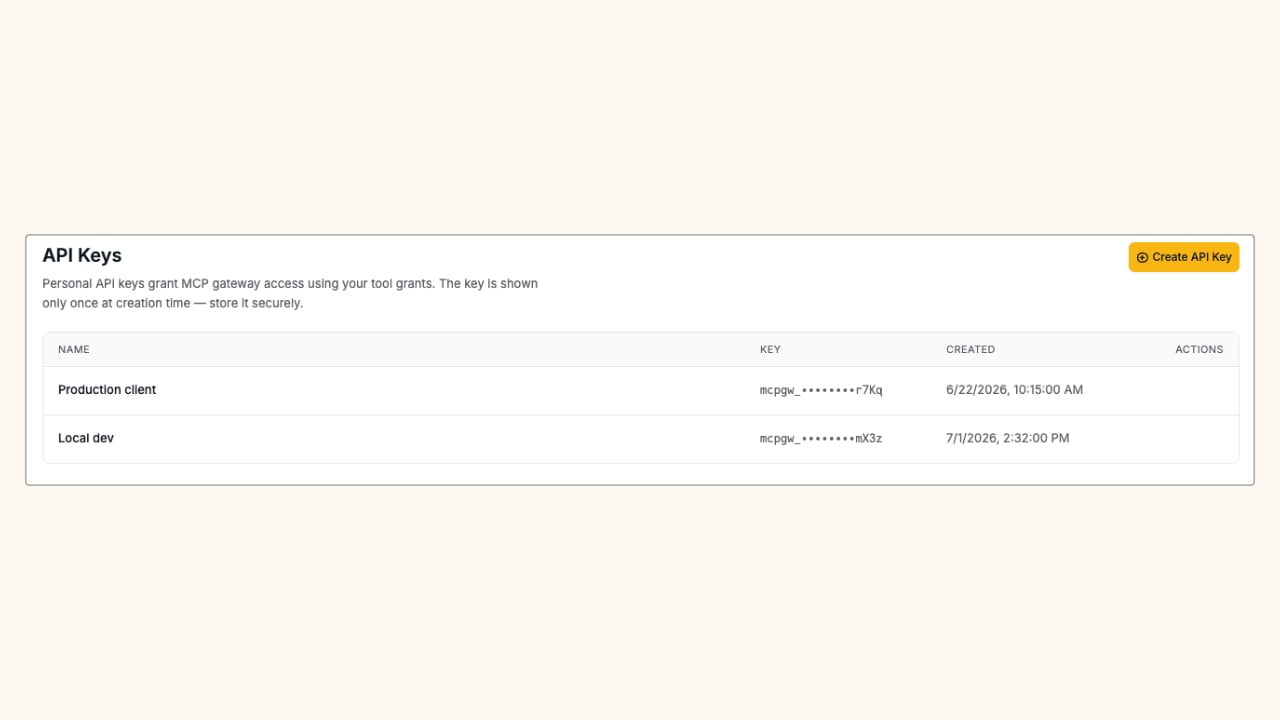
Authenticating to the Gateway
Both robot tokens and user API keys are passed as a bearer token in theAuthorization header when connecting an MCP client to the gateway endpoint:
Related
Connecting to MCP Gateway
Step-by-step guide for end users to get connected.
Grants
Attach members to a grant to give them tool access.