

Overview
LLM Keys are API keys that authenticate requests to the Aptible LLM Gateway. Each key is scoped to your organization, so a single key gives you access to every model allowed by your organization’s Model Access Policy — you don’t need separate keys per environment, application, or provider.Creating a Key
Go to LLM Gateway and select Create Key. All you need is a name (handle) for the key.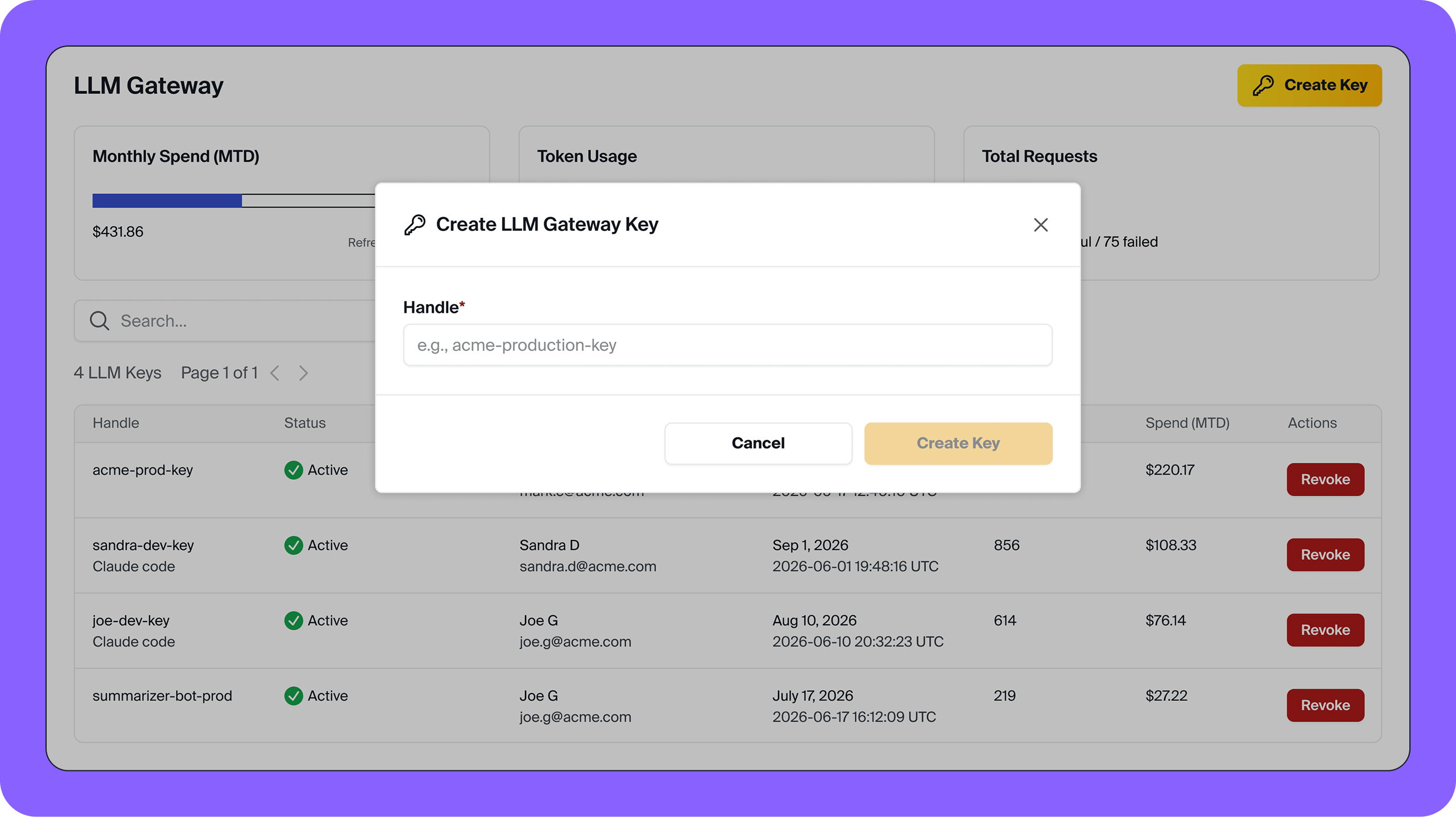
Claude Code
OpenAI-compatible SDKs
Anthropic-compatible SDKs
Managing Keys
Keys are managed from LLM Gateway in the Aptible dashboard. From the key list you can see each key’s name, status, current usage, and who created it. Click into any key to view its details, including request history, token usage, and per-request costs.Revoking a Key
Keys can be revoked from LLM Gateway. Revoking a key immediately invalidates it. Use this if a key is compromised or you need to permanently cut off access for a specific application or team. Any member can revoke a key they created themselves. Revoking a key created by someone else requires the Account Owner role — see Permissions below.Permissions
Any member of your organization can create an LLM Key and view every key’s metadata — key creation and visibility are not restricted to account owners.The first time anyone in your organization creates a key, they will be required to accept a one-time notice about processing PHI through the gateway.
- Any member can revoke a key they created themselves.
- Revoking a key created by someone else requires the Account Owner role.