

Overview
Aptible’s LLM Gateway gives you visibility into LLM spend at every level of your organization, from total usage across all keys down to individual key activity, and lets you set a global spending limit to prevent unexpected costs.Setting a Spending Limit
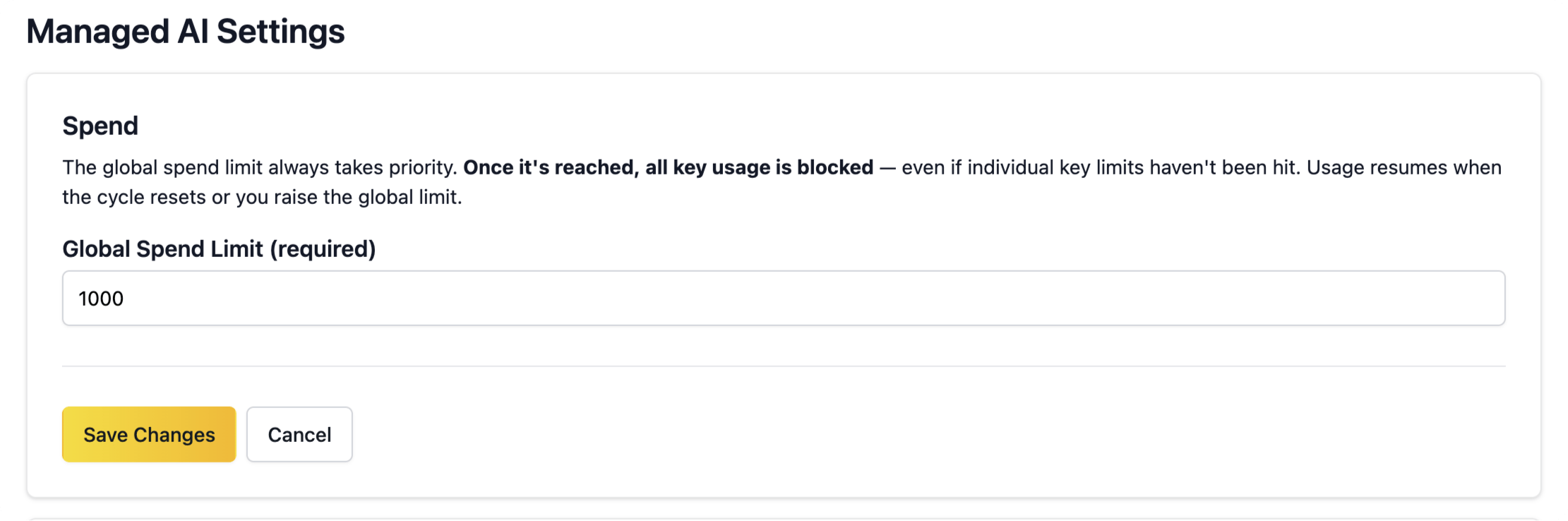
You can set an organization-wide monthly spending limit to cap your total LLM Gateway usage. To configure it, go to Settings > Managed AI and edit the Global Spend Limit. The limit can be set anywhere between $1 and $10,000. If you need a higher limit, contact Aptible Support.Changing the global spend limit requires the Account Owner role. Once the limit is reached, all key usage in your organization is blocked — even if an individual key hasn’t hit its own usage yet.
Tracking Spend
Organization-level
See total LLM Gateway spend across all keys in your organization for the current billing period from LLM Gateway.
Per-key
View usage costs for each individual LLM key during the current billing period to identify which keys generate the most activity and find opportunities for cost optimization.