

Overview
Aptible’s AI Gateway gives you visibility into LLM spend at every level of your organization — from total usage across all environments down to individual key activity — and lets you set a hard cap to prevent unexpected costs.Setting a Spending Limit
You can set an organization-wide monthly spending limit to cap your total AI Gateway usage. To configure it, click the gear icon in the monthly spend tile on the AI Gateway page. The limit can be set anywhere between 10,000. If you need a higher limit, contact Aptible Support.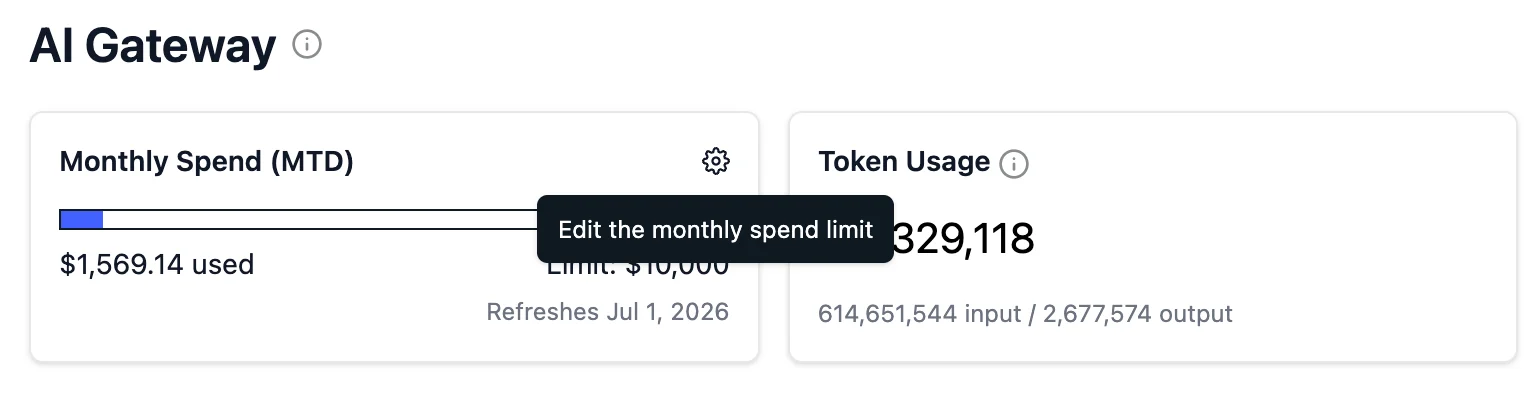
Tracking Spend
Organization-level
See total AI Gateway spend across all keys and environments for the current billing period from the main AI Gateway page.
Environment-level
View spend broken down by environment to understand which teams or applications are driving usage.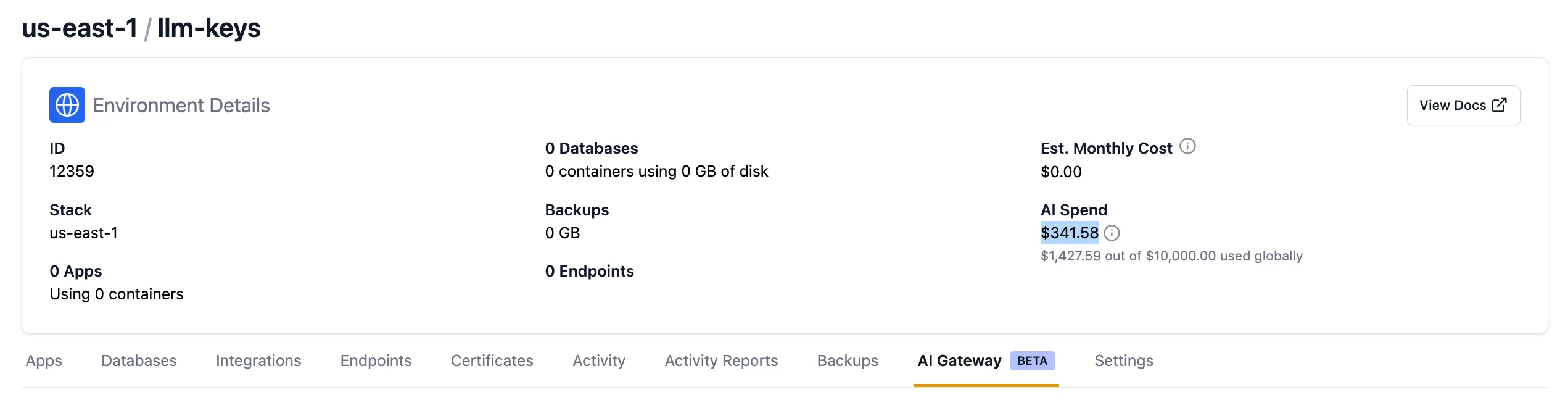
Per-key
View usage costs for each individual LLM key during the current billing period to identify which keys generate the most activity and find opportunities for cost optimization.