> ## Documentation Index
> Fetch the complete documentation index at: https://www.aptible.com/docs/llms.txt
> Use this file to discover all available pages before exploring further.
# How to set up a Papertrail Log Drain
> Learn how to set up a PaperTrail Log Drain on Aptible
## Set up a Papertrail Logging Destination
**Step 1:** Sign up for a Papertrail account.
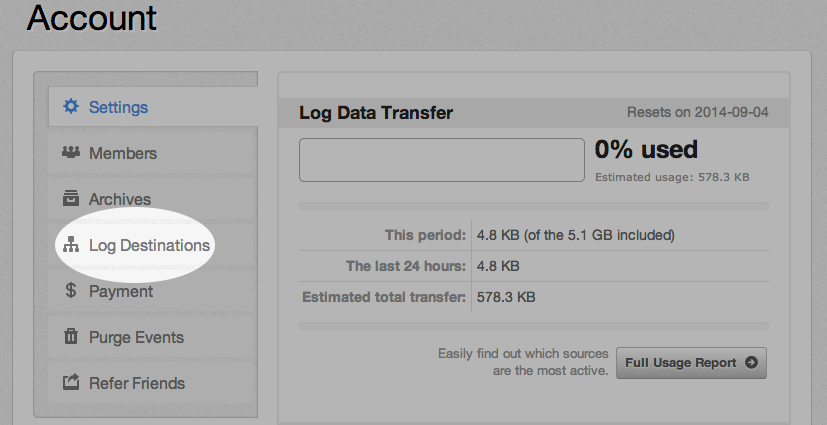
**Step 2:** In Papertrail, find the "Log Destinations" tab. Select "Create a Log Destination," then "Create":
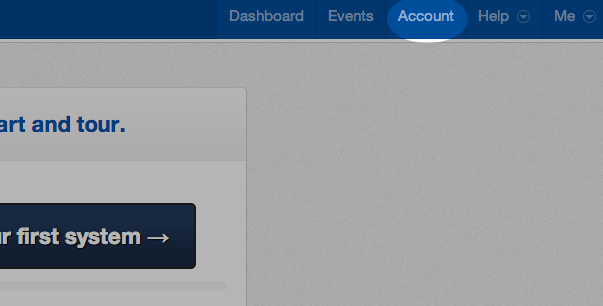
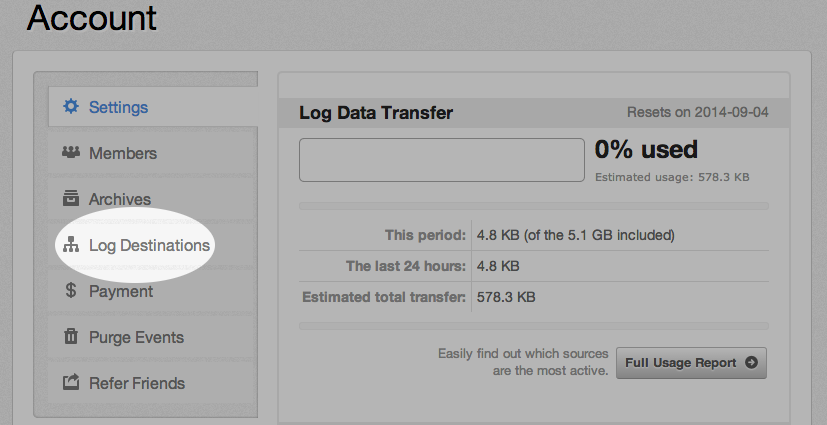
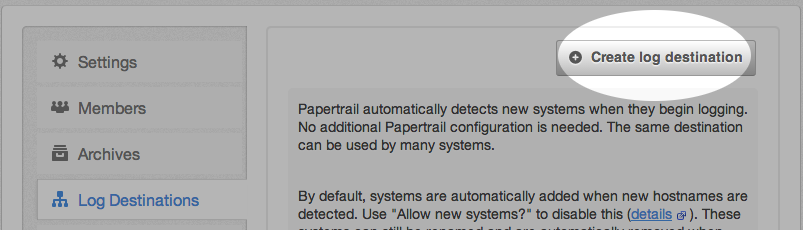 **Step 3:** Once created, note the host and port Papertrail displays for your new log destination.
 ## Set up a Log Drain
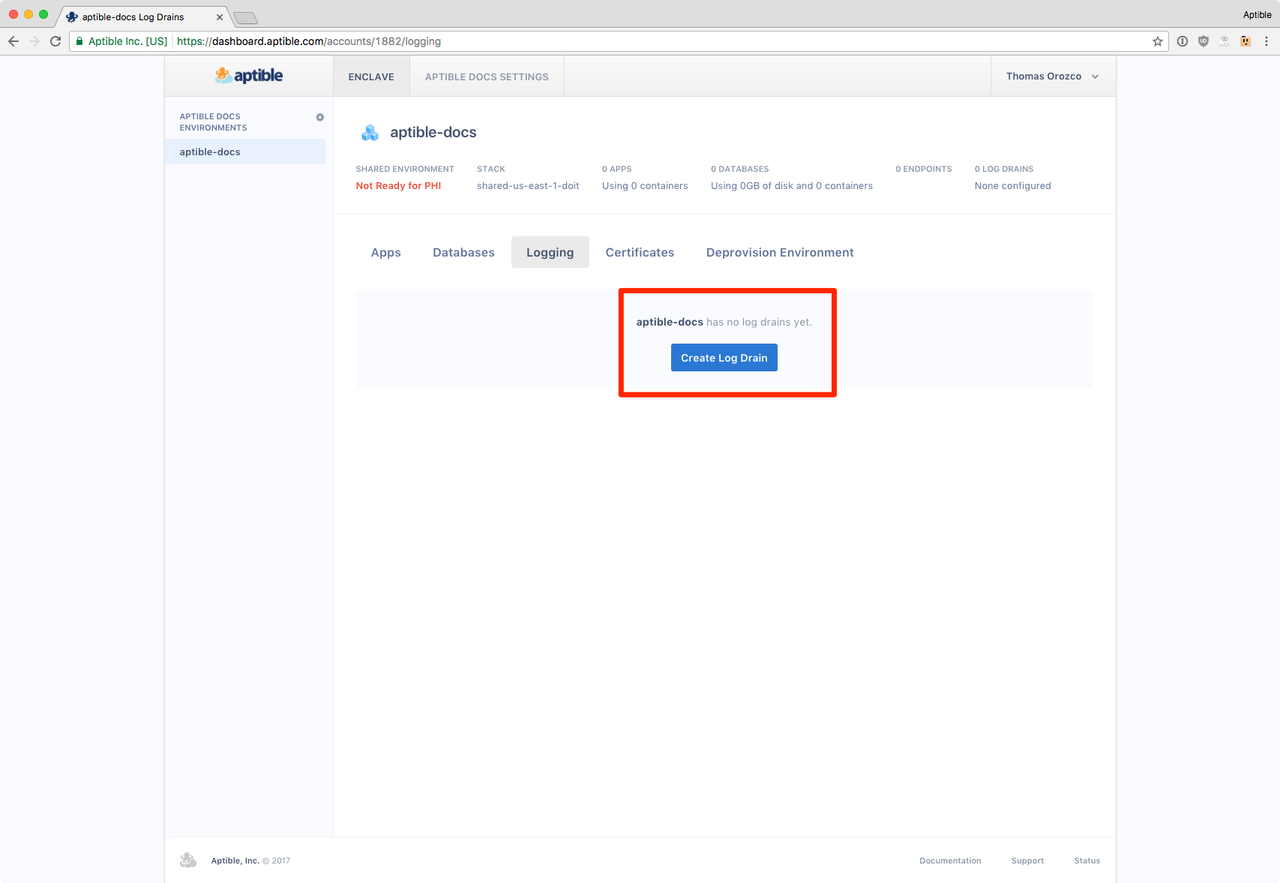
**Step 1:** In the Aptible dashboard, create a new [log drain](/core-concepts/observability/logs/log-drains/overview) by navigating to the "Log Drains" tab in the environment of your choice:
## Set up a Log Drain
**Step 1:** In the Aptible dashboard, create a new [log drain](/core-concepts/observability/logs/log-drains/overview) by navigating to the "Log Drains" tab in the environment of your choice:
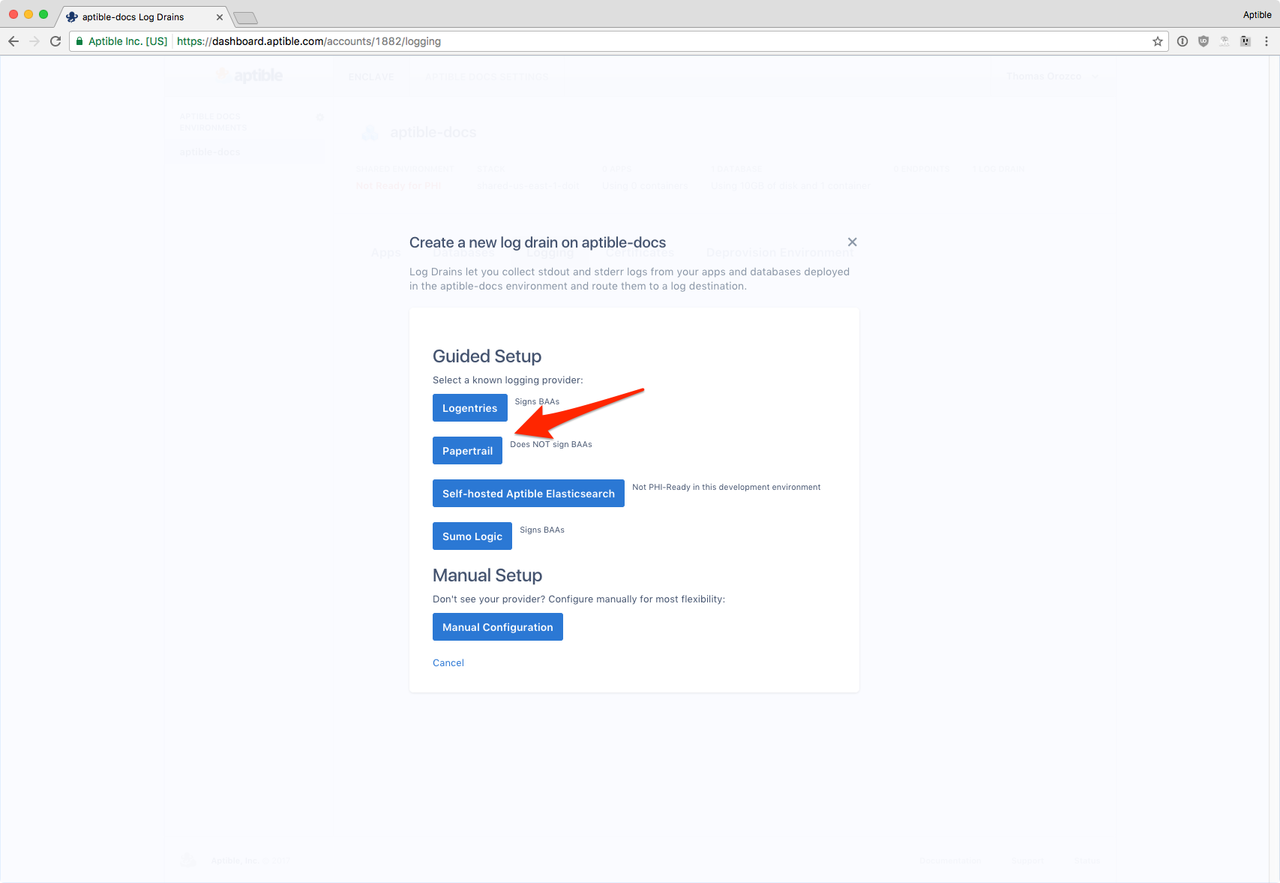
 **Step 2:** Select Papertrail as the destination.
 **Step 3:** Input the host and port you received earlier and save your changes.