> ## Documentation Index
> Fetch the complete documentation index at: https://www.aptible.com/docs/llms.txt
> Use this file to discover all available pages before exploring further.
# How to create an app
Learn how to create an [app](/core-concepts/apps/overview)
> ❗️Apps handles cannot start with "internal-" because applications with that prefix cannot have [Endpoints](/core-concepts/apps/connecting-to-apps/app-endpoints/overview)
## Using the Dashboard
Apps can be created/provisioned within the Dashboard the following ways:
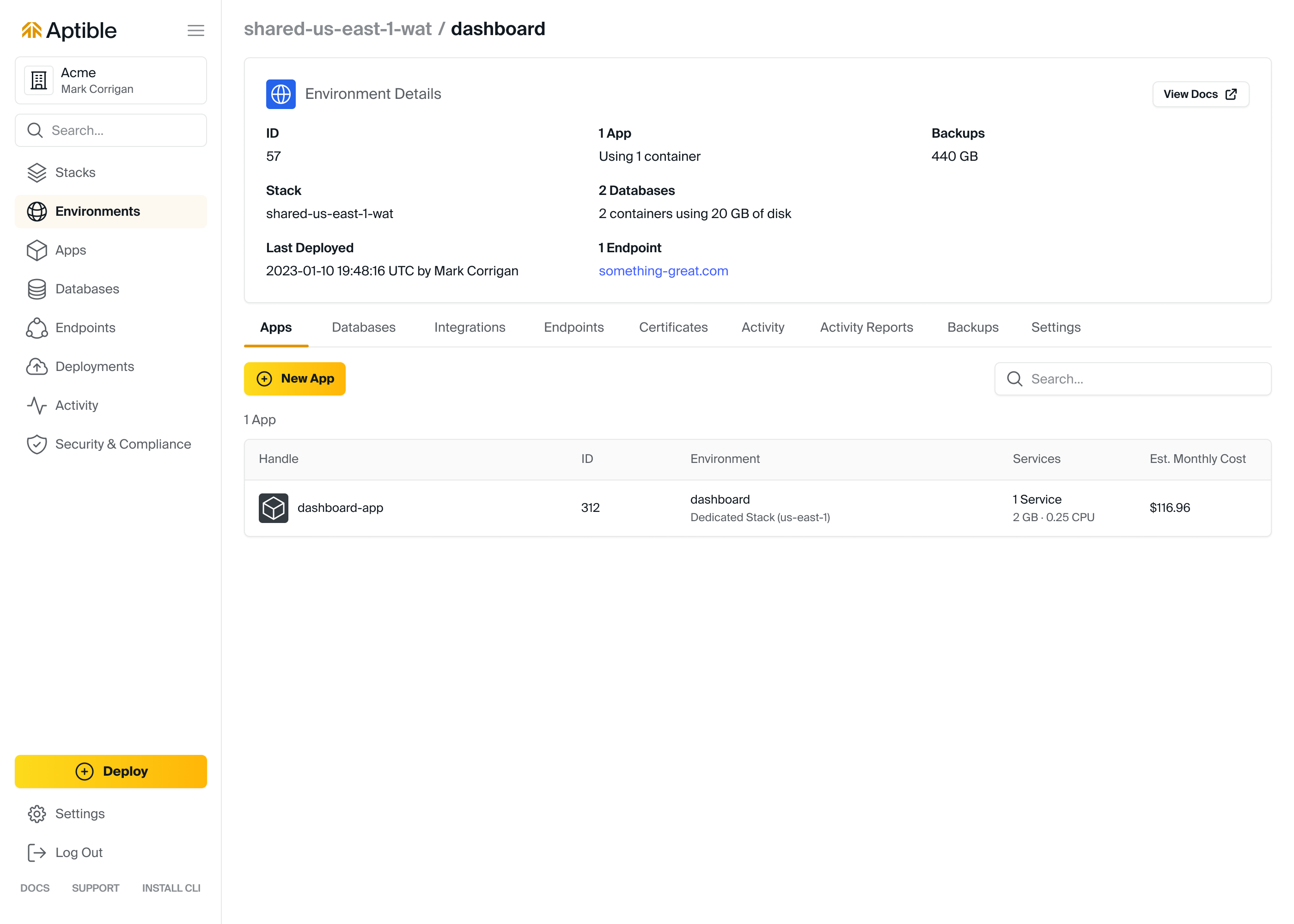
* Using the [**Deploy**](https://app.aptible.com/create) tool will automatically create a new app in a new environment as you deploy your code 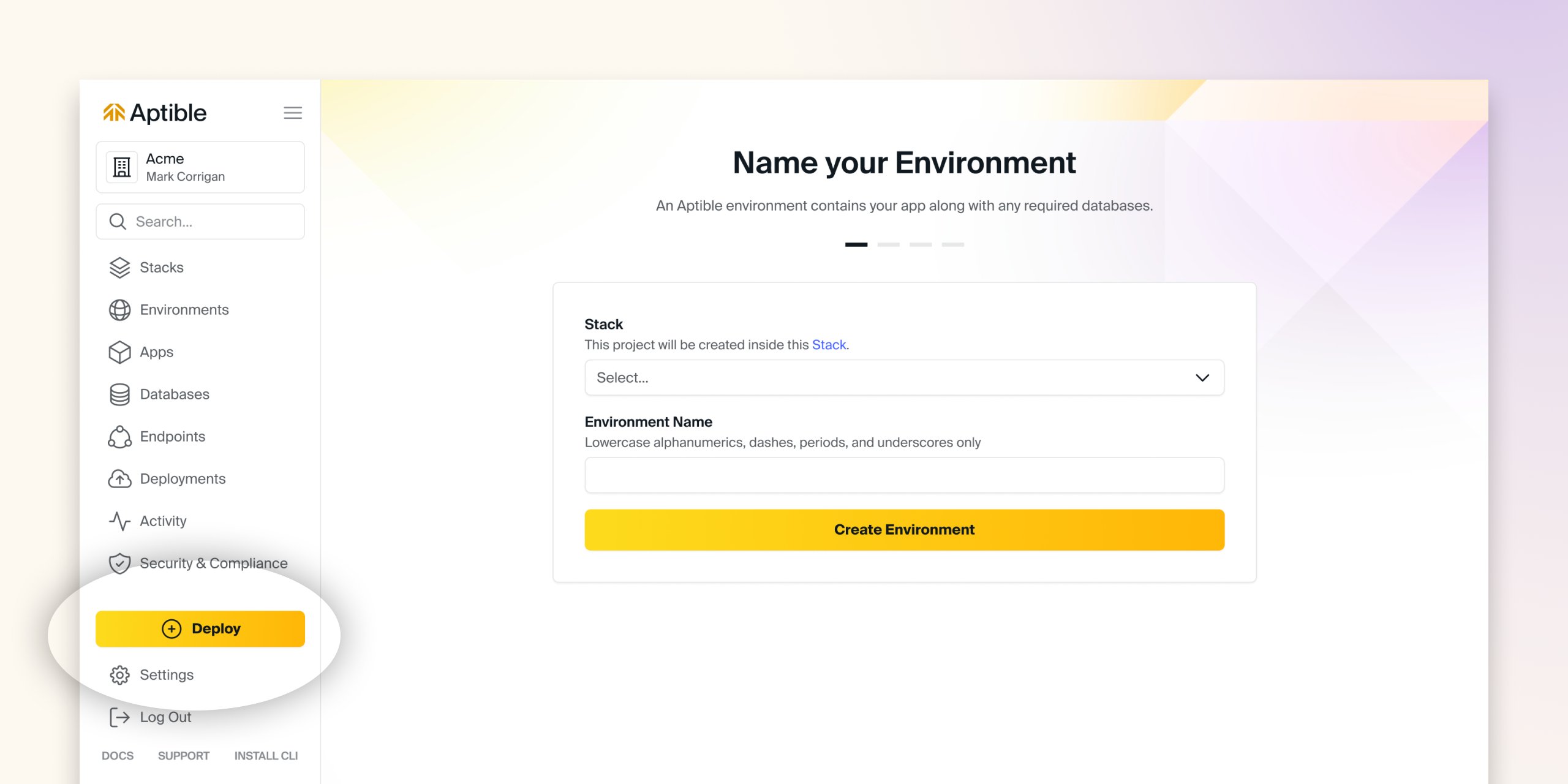 * From the Environment by:
* Navigating to the respective Environment
* Selecting the **Apps** tab
* Selecting **Create App**
* From the Environment by:
* Navigating to the respective Environment
* Selecting the **Apps** tab
* Selecting **Create App**
 ## Using the CLI
Apps can be created/provsioned via the Aptible CLI by using the [`aptible apps:create`](/reference/aptible-cli/cli-commands/cli-apps-create) command.
```js theme={null}
aptible apps:create HANDLE
```
## Using Terraform
Apps can be created/provsioned via the [Aptible Terraform Provider](https://registry.terraform.io/providers/aptible/aptible/latest/docs) by using the terraform\_aptible\_app resource.
```js theme={null}
data "aptible_app" "APP" {
handle = "APP_HANDLE"
}
```
## Using the CLI
Apps can be created/provsioned via the Aptible CLI by using the [`aptible apps:create`](/reference/aptible-cli/cli-commands/cli-apps-create) command.
```js theme={null}
aptible apps:create HANDLE
```
## Using Terraform
Apps can be created/provsioned via the [Aptible Terraform Provider](https://registry.terraform.io/providers/aptible/aptible/latest/docs) by using the terraform\_aptible\_app resource.
```js theme={null}
data "aptible_app" "APP" {
handle = "APP_HANDLE"
}
```