> ## Documentation Index
> Fetch the complete documentation index at: https://www.aptible.com/docs/llms.txt
> Use this file to discover all available pages before exploring further.
# Ruby on Rails - Starter Template
> Deploy a starter template Ruby on Rails app on Aptible
# Overview
This guide will walk you through the process of launching the [Rails Getting Started example](https://guides.rubyonrails.org/v4.2.7/getting_started.html) from the Aptible Dashboard.
# Deploying the template
Prerequisite: Ensure you have [Git](https://git-scm.com/downloads) installed.
Using the [Deploy Code](https://app.aptible.com/create) tool in the Aptible Dashboard, you can deploy the **Ruby on Rails Template**. The tool will guide you through the following:
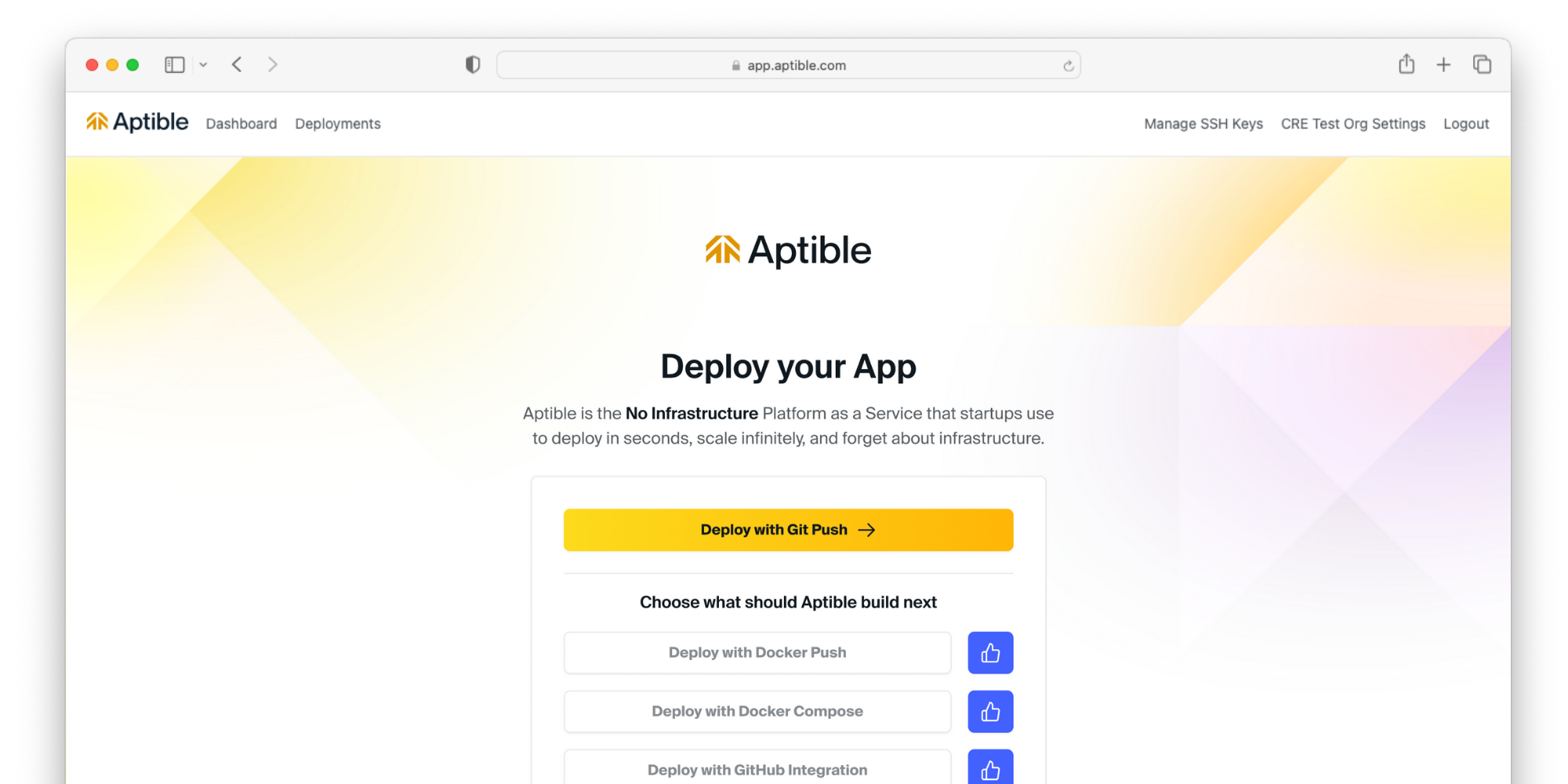
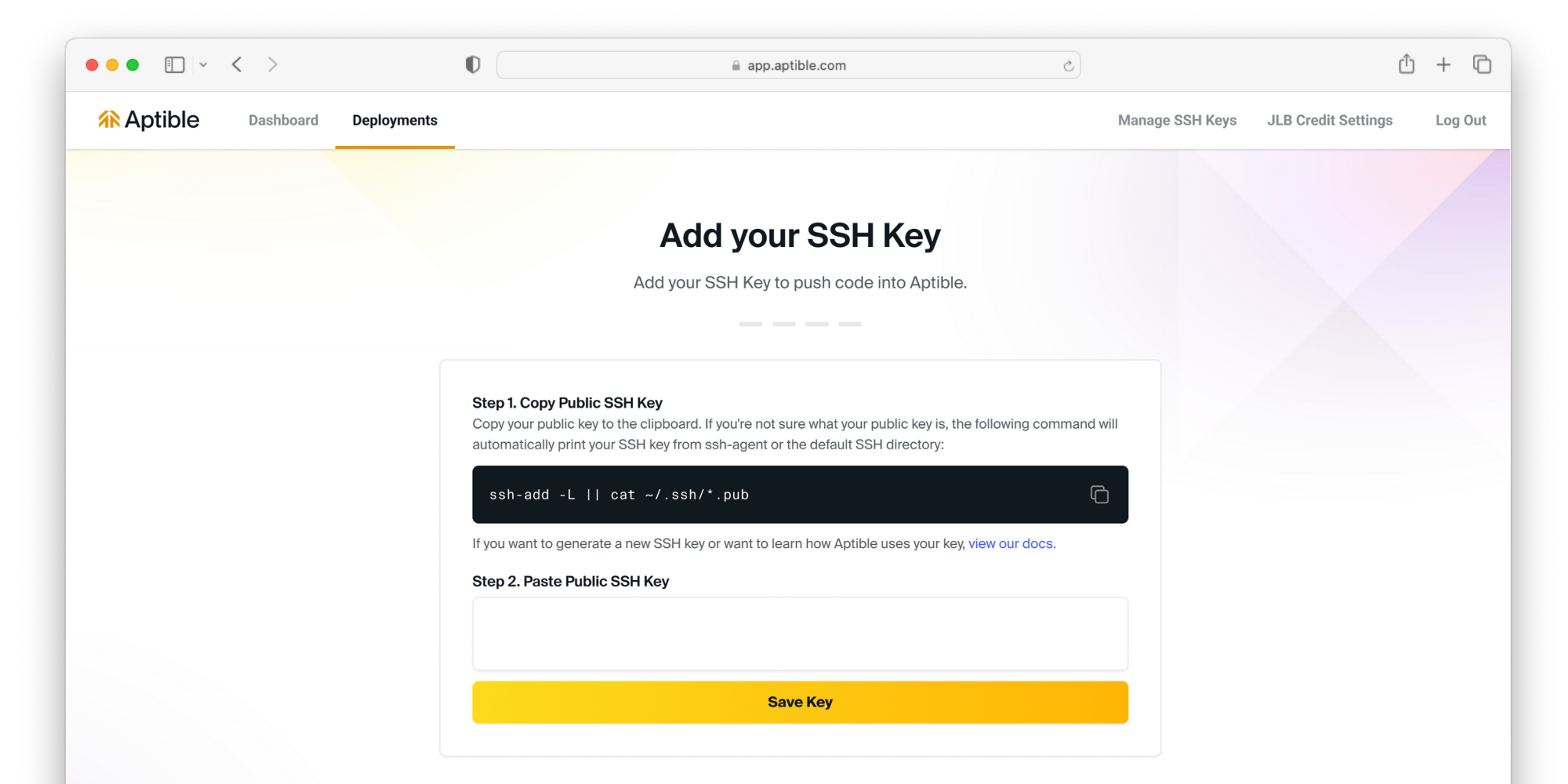 If you have not done so already, you will be prompted to set up an [SSH key](/core-concepts/security-compliance/authentication/ssh-keys#ssh-keys).
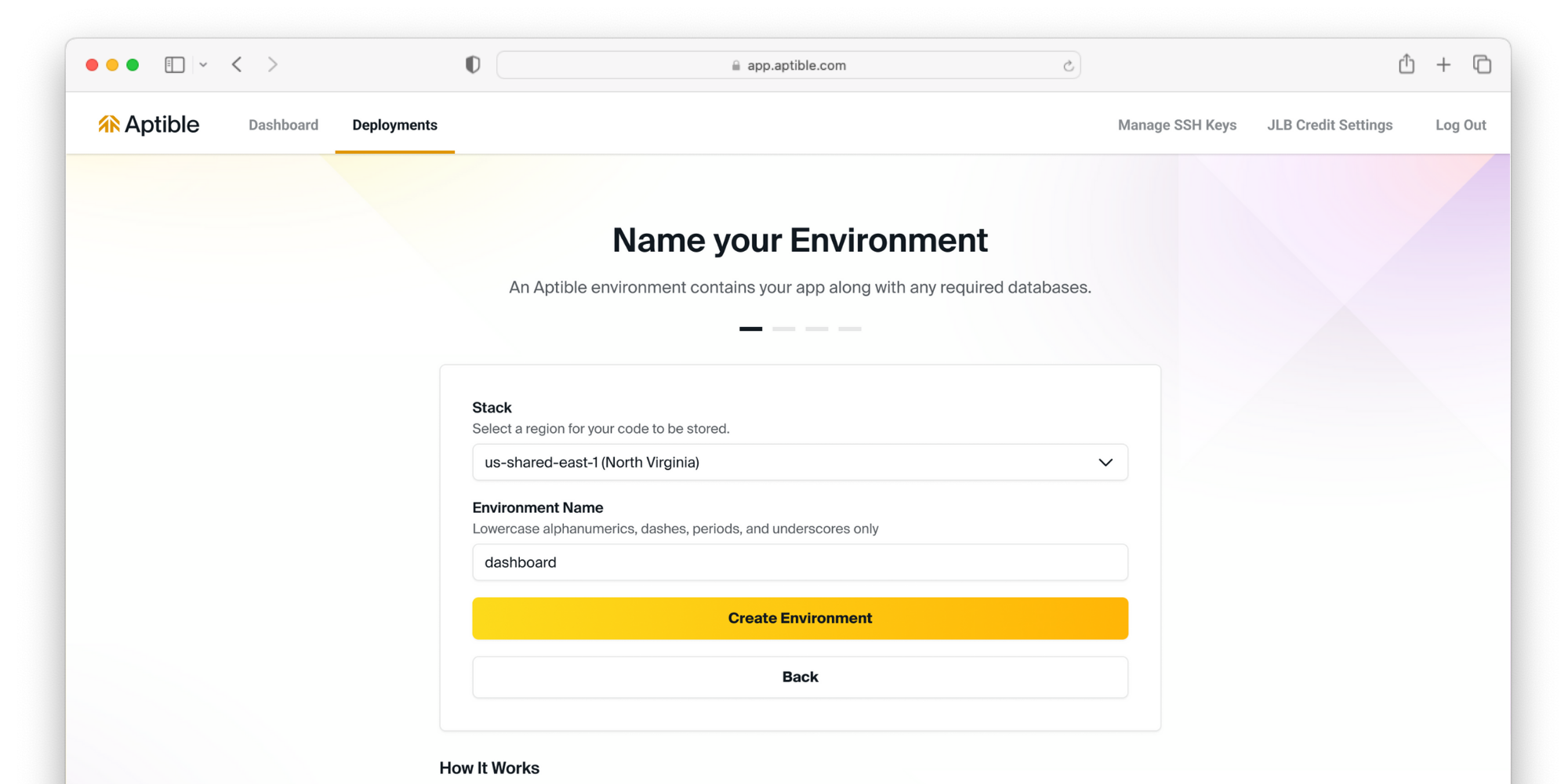 Select your [stack](/core-concepts/architecture/stacks) to deploy your resources. This will determine what region your resources are deployed to. Then, name the [environment](/core-concepts/architecture/environments) your resources will be grouped into.
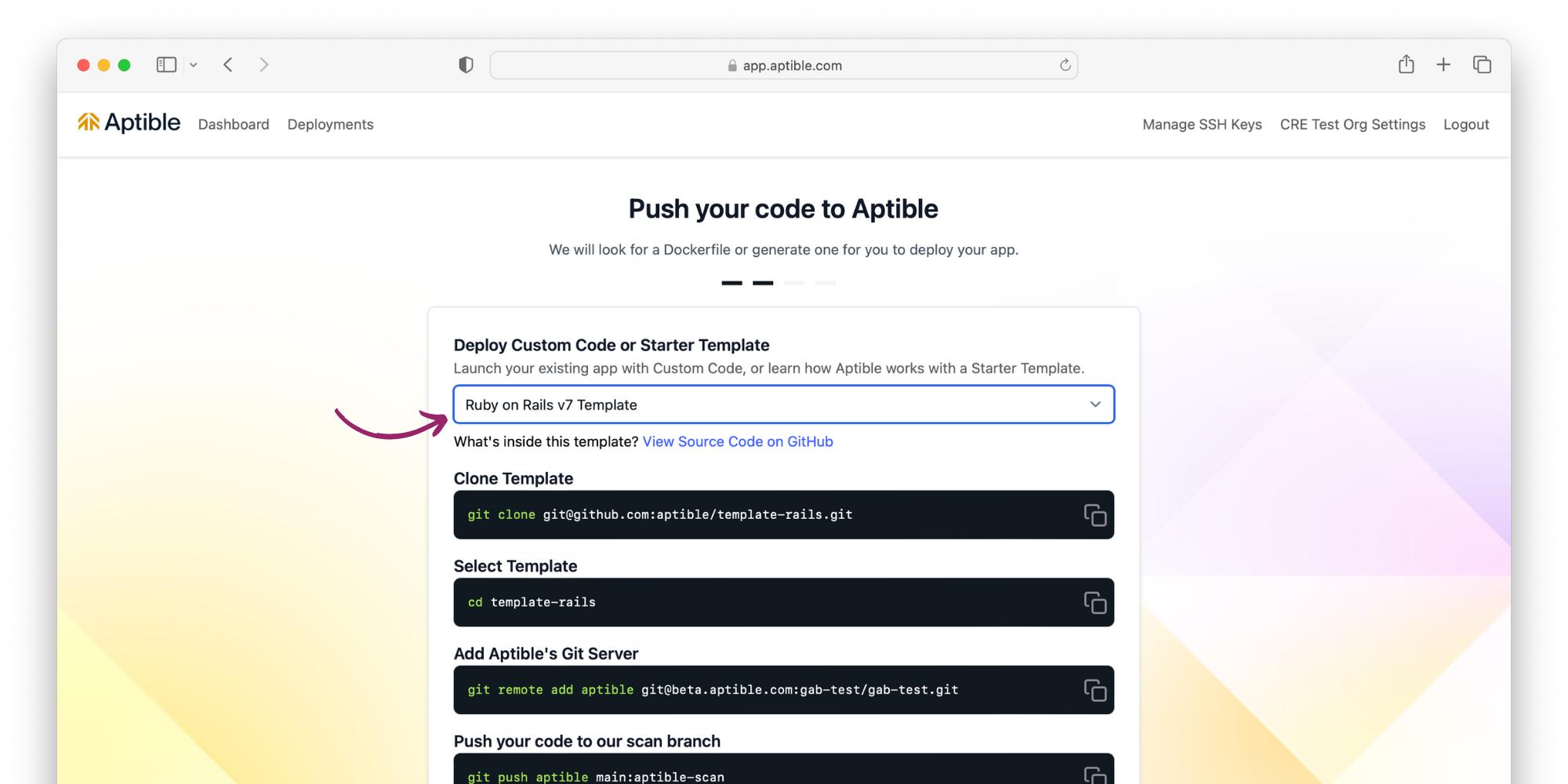 Select `Ruby on Rails Template` for deployment, and follow the command-line instructions.
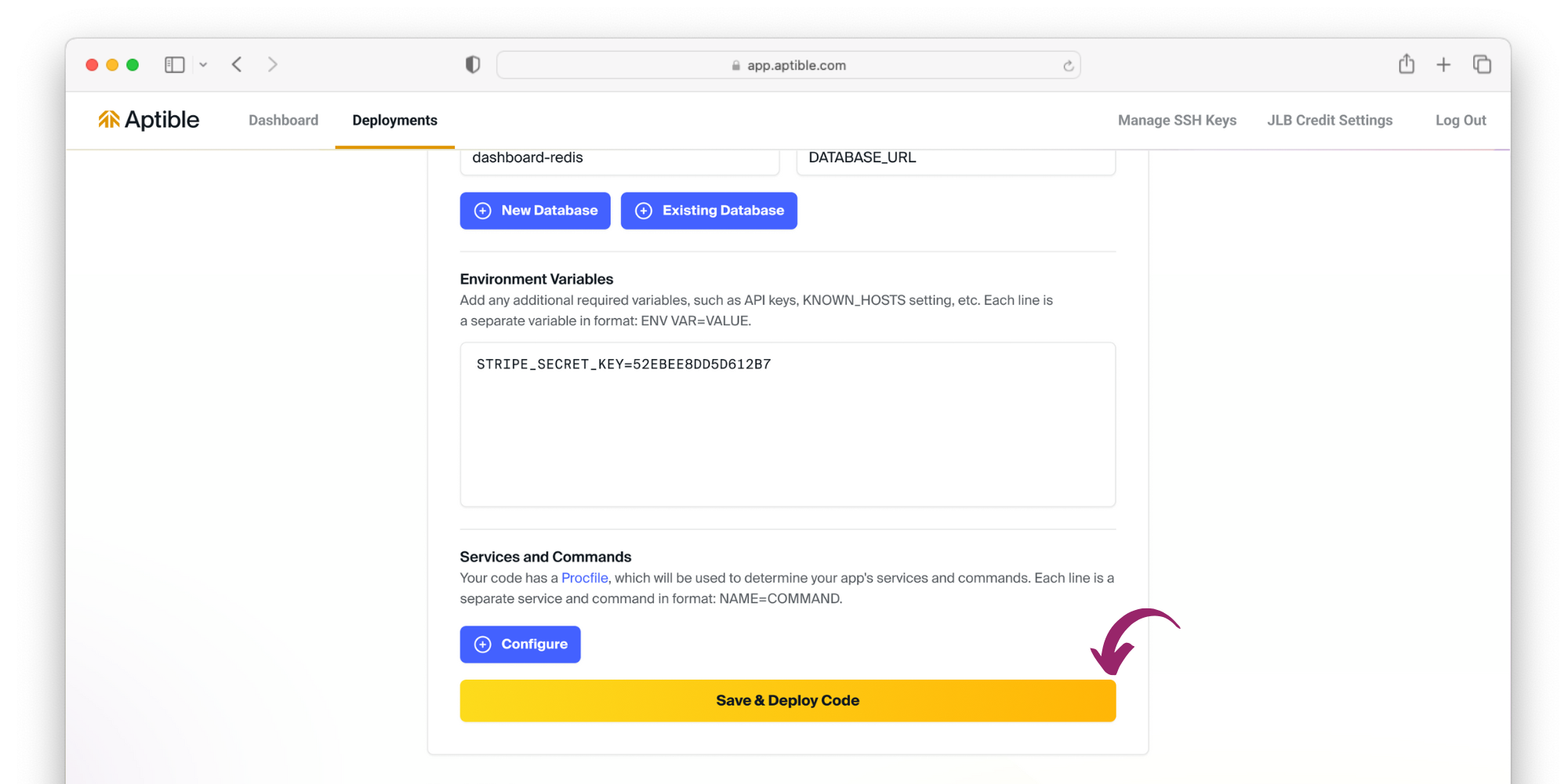 Aptible will automatically fill this template's required databases, services, and app's configuration with environment variable keys for you to fill with values. Once complete, save and deploy the code!
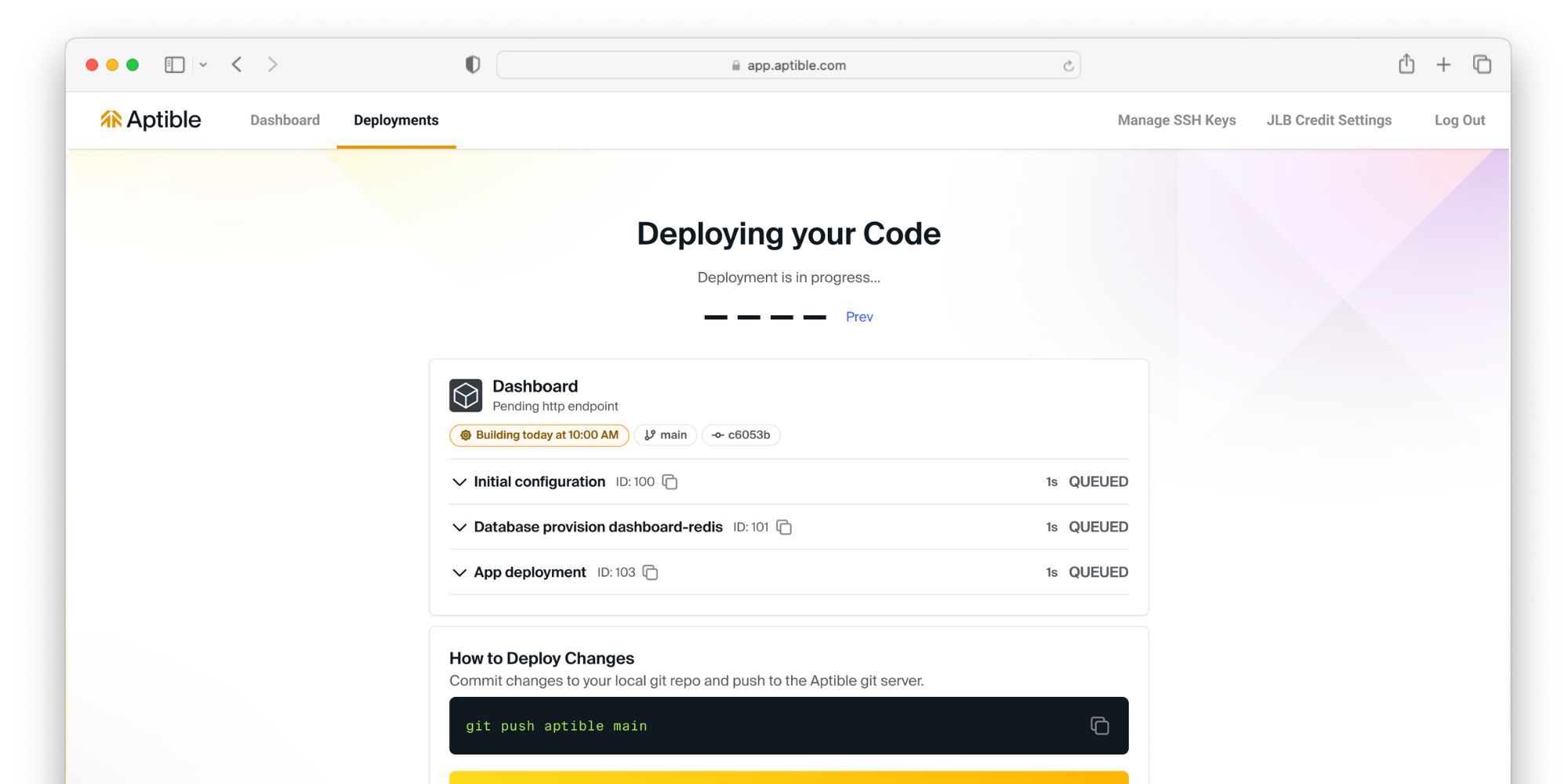
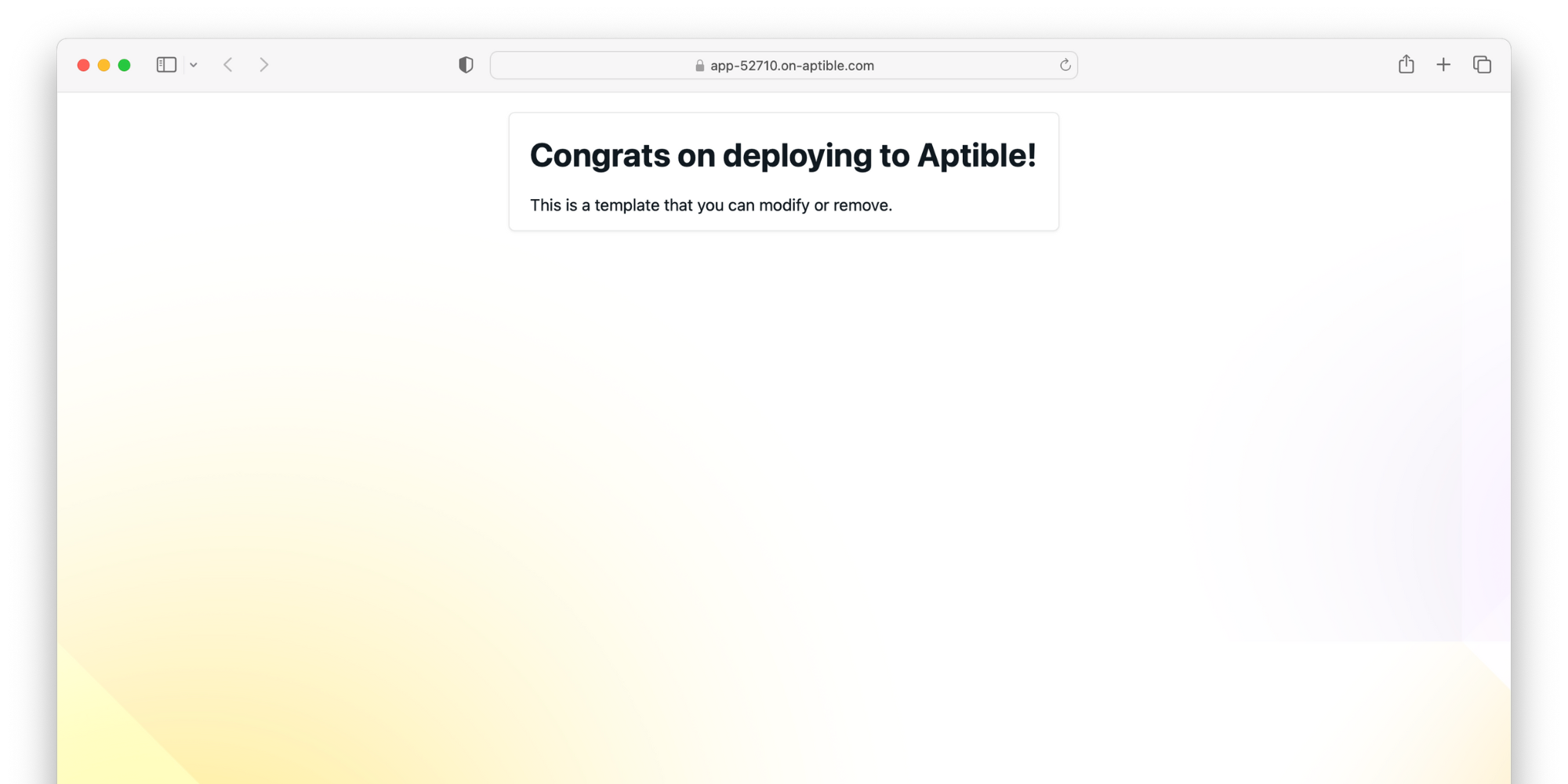
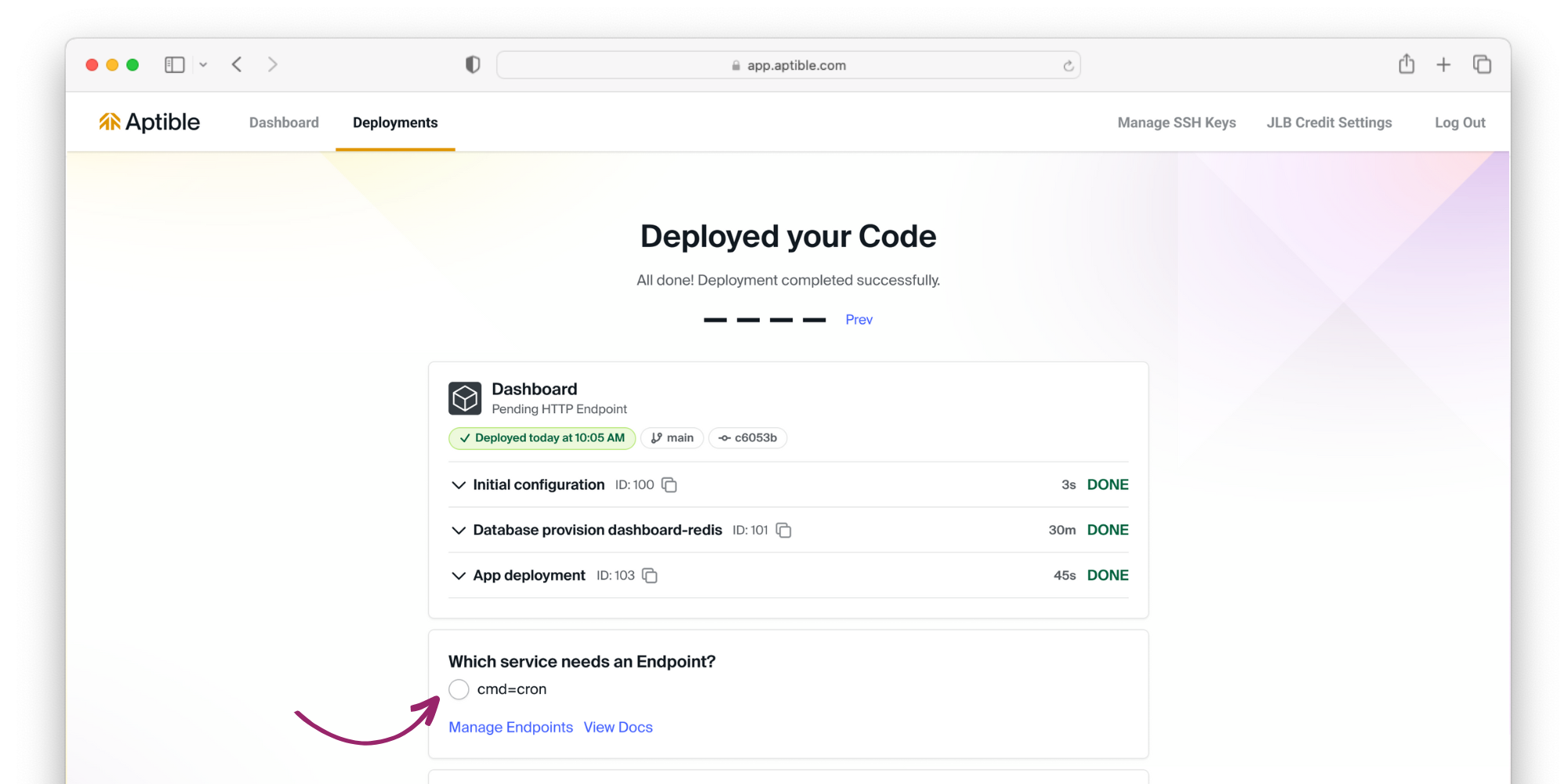 Now that your code is deployed, it's time to expose your app to the internet. Select the service that needs an [endpoint](/core-concepts/apps/connecting-to-apps/app-endpoints/overview), and Aptible will automatically provision a managed endpoint.
 # Continue your journey
Read our guide for deploying custom code on Aptible.
# Continue your journey
Read our guide for deploying custom code on Aptible.