> ## Documentation Index
> Fetch the complete documentation index at: https://www.aptible.com/docs/llms.txt
> Use this file to discover all available pages before exploring further.
# Maintenance Page
# Custom Maintenance Page
You can configure your Endpoint with a custom maintenance page.
This page will be served by your [HTTP(S) Endpoints](/core-concepts/apps/connecting-to-apps/app-endpoints/https-endpoints/overview) when requests time out, or if your App is down. It will also be served if the Endpoint's underlying [Service](/core-concepts/apps/deploying-apps/services) is scaled to zero.
To configure one, set it as an endpoint setting:
```shell theme={null}
aptible endpoints:https:modify --app "$APP_HANDLE" "$ENDPOINT_HOSTNAME" \
--maintenance-page-url "http://..."
```
In Terraform, set `maintenance_page_url` on the `aptible_endpoint` resource. You can also update this in the [Aptible Dashboard](https://app.aptible.com) on the endpoint's configuration page.
**Migrating from environment variables:** `MAINTENANCE_PAGE_URL` was previously set as an app configuration variable. Once your endpoints are configured, unset it from your app using `aptible config:unset`
Aptible will download and cache the maintenance page when deploying your app. If it needs to be served, Aptible will serve the maintenance page directly to clients.
This means:
* Make sure your maintenance page is publicly accessible so that Aptible can download it.
* Don't use relative links in your maintenance page: the page won't be served from its original URL, so relative links will break.
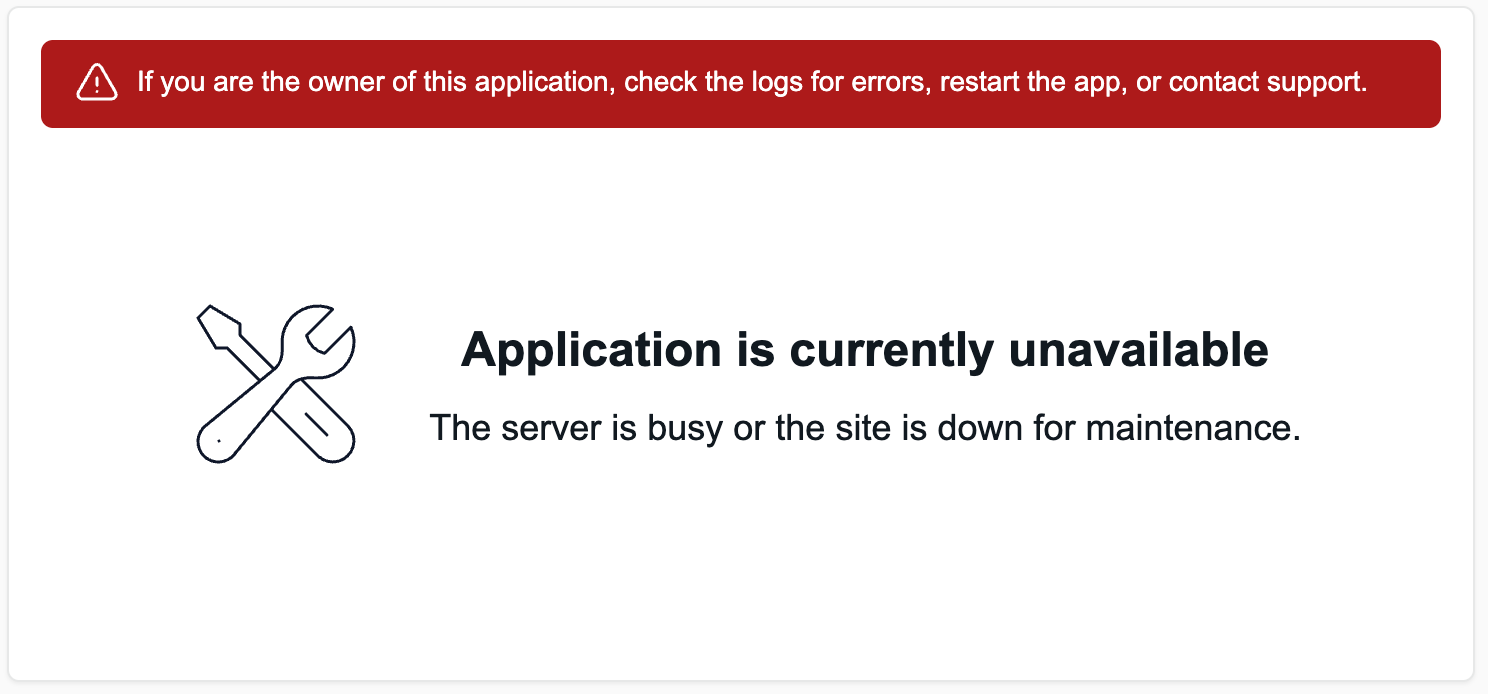
If you don't set up a custom maintenance page, a generic Aptible maintenance page will be served instead.
# Brickwall
If your Service is scaled to zero, Aptible instead will route your traffic to an error page server: *Brickwall*.
Brickwall will serve your `Custom Maintenance Page` if you set one up, and fallback to a generic Aptible error page if you did not.
You usually shouldn't need to, but you can identify responses coming from Brickwall through their `Server` header, which will be set to `brickwall`. Brickwall returns a `502` error code which is not configurable.
If your Service is scaled up, but all app [Containers](/core-concepts/architecture/containers/overview) appear down, Aptible will route your traffic to *all* containers.
# Default Maintenance Page Appearance